 Isaac Bythewood
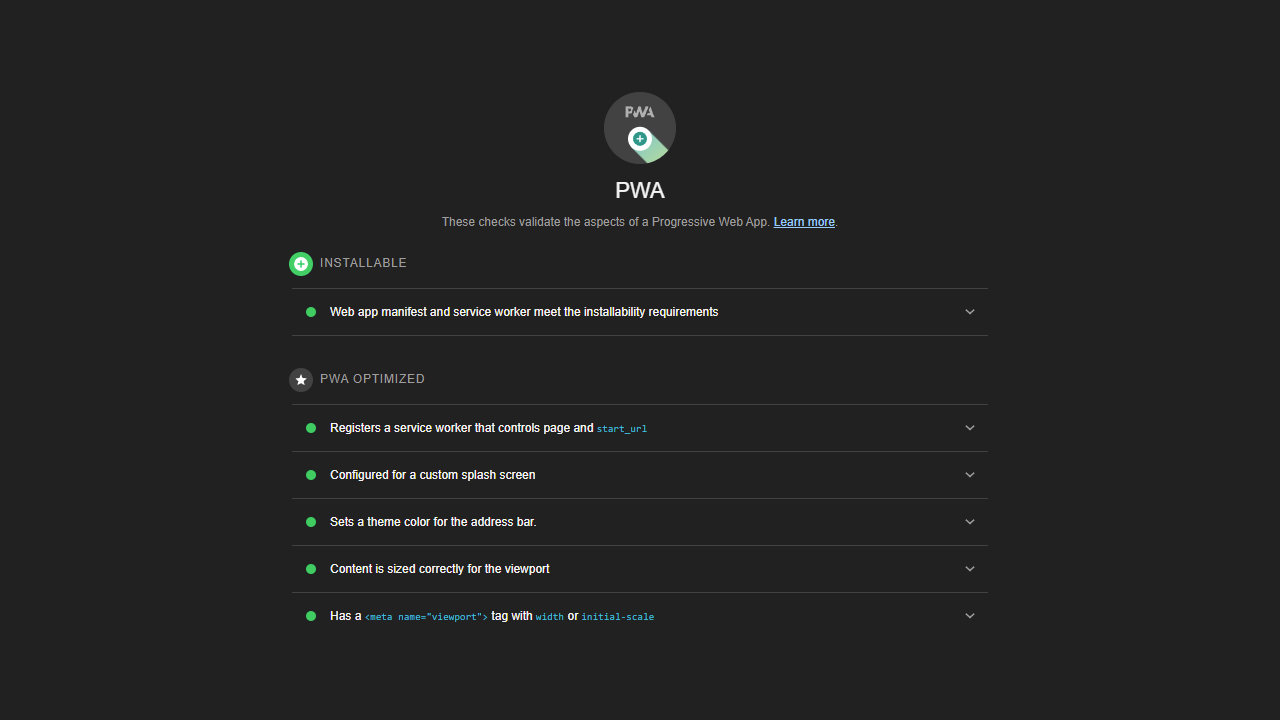
If you have a particularly large single page web app then a PWA can dramatically increase return conversions by reducing the need to redownload assets on repeat visits and provide a native app like experience on users' devices.
Timelite is currently one of my apps that I needed to make into a PWA, you can check it out at https://timelite.bythewood.me/.
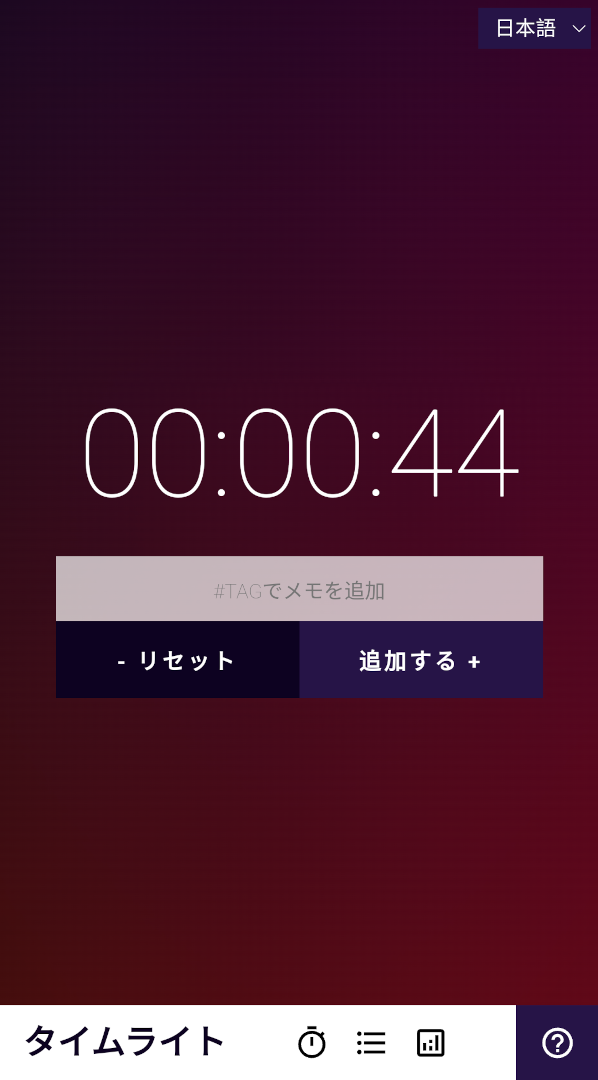
With the creation of Timelite I knew I wanted it to be a PWA since it was a 100% client side web app. I've gone through a couple of Next.js PWA plugin iterations over the years but the easiest by far has been next-pwa. The installation process was done in two steps. First I had to install it with yarn add next-pwa, you can also use npm install next-pwa if you prefer. Then update my next.config.js file with the following:
And I was done! I can now add the Timelite app to my phone's home screen or install it on Chromium based browsers.

To be fair there is slightly more work you have to put into this installation if you don't already have a manifest.json file. I already had one since Timelite was already a PWA but your manifest goes in the public folder of your Next.js app and it looks something like this:
Now you're truly done! I have a very simple manifest file for Timelite but you may want to add a few more lines and icons such as a maskable icon, which I currently don't have, but it would improve the way the icon looks on some users home screens. For more manifest options and documentation you can check out the next-pwa README.