 Isaac Bythewood
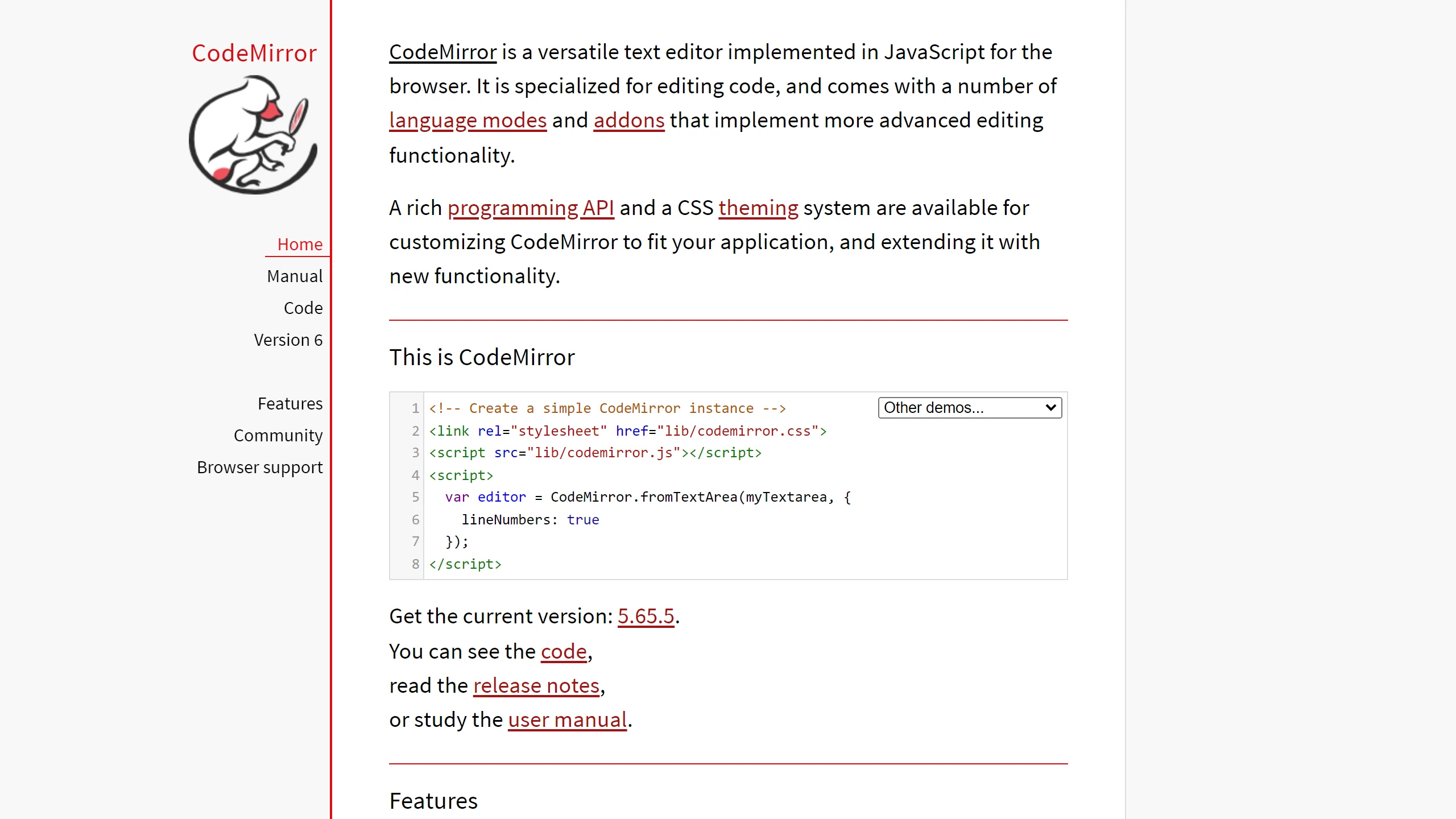
There are many ways to get code syntax highlighting on a website not the least of which is CodeMirror. CodeMirror is a fairly full featured browser text editor so it may not make sense to use it for every project but I find it a very nice user experience. A few of the features I enjoy include:
- The ability to use hotkeys, like
cmd + aorctrl + a, to highlight everything in the CodeMirror text area without grabbing the entire page - Being able to set read only mode with a single option
- Line numbers with a single option
- And lots of language support for syntax highlighting
Note that at the time of writing this CodeMirror 6 has released but I'm only focusing on CodeMirror 5. I found CodeMirror 6 to be buggy and lacking in themes and language options as right now. I'm sure that will change in the future.
To get started install CodeMirror. I'm using yarn with webpack but this can easily be converted to almost any bundler you want to use:
yarn add codemirror@5.65.5
After that's done make a script called code.js and make sure it gets included in your bundle.
A couple of notes:
- You can import as many or as few modes as you want, I'm only importing what my blog generally uses
- You can also use any theme you want in the
themefolder, I'm currently usingmaterialbut that may change
In conjunction with this I've added some custom CSS mostly to allow line wrapping and automatic height adjustments. I've aptly called this file code.css.
After these two files are bundled and loaded into your website they will spawn a CodeMirror instance anywhere there is the following HTML block.
Note the Django template tags here, you can use the above code anywhere up to this point and just remove the Django template tags and insert whatever tags you want. Now for the Wagtail portion. If you can't tell from the above Wagtail block code I'm using a StreamField for this. You can add a new code block to any StreamField.
And you're done! We have a language choice block which is easily expanded upon for more languages in the future. Also make sure to include the new language mode in our code.js file. A feature improvement I've considered is having CodeMirror load into the TextBlock on my Wagtail admin panel for an even better admin experience, but for now I'll leave it at this.