 Isaac Bythewood
A benefit of making your own Chrome extension is that you also avoid all the excess tracking and bloat with a bonus of unlimited customizability. In my review of new tab extensions on the Chrome Web Store the majority of them had some form of tracking, usually in the form of Google Analytics, so I decided to just make a quick one myself!
To get started making a Chrome extension you need to create a folder and in that folder create a file called manifest.json with the following:
In that same folder add a new file called newtab.html.
From here we need two more files, one for our JavaScript and one for our CSS as we defined in our HTML above. The JavaScript file is named newtab.js and the CSS file is named newtab.css.
And we are good to add it to Chrome!
- Open up the
chrome://extensionspage by navigating to the URL or clicking through the menus. - Enable "Developer mode" in the top right corner by clicking the switch.
- Click "Load unpacked" under the Extensions navbar, appears after you enable "Developer mode".
- Select the folder you put all the above code in.
If you did all that correctly you'll see a block show up that looks like this.
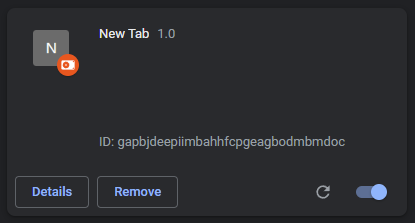
Now if you open a new tab you'll be able to see all your work.
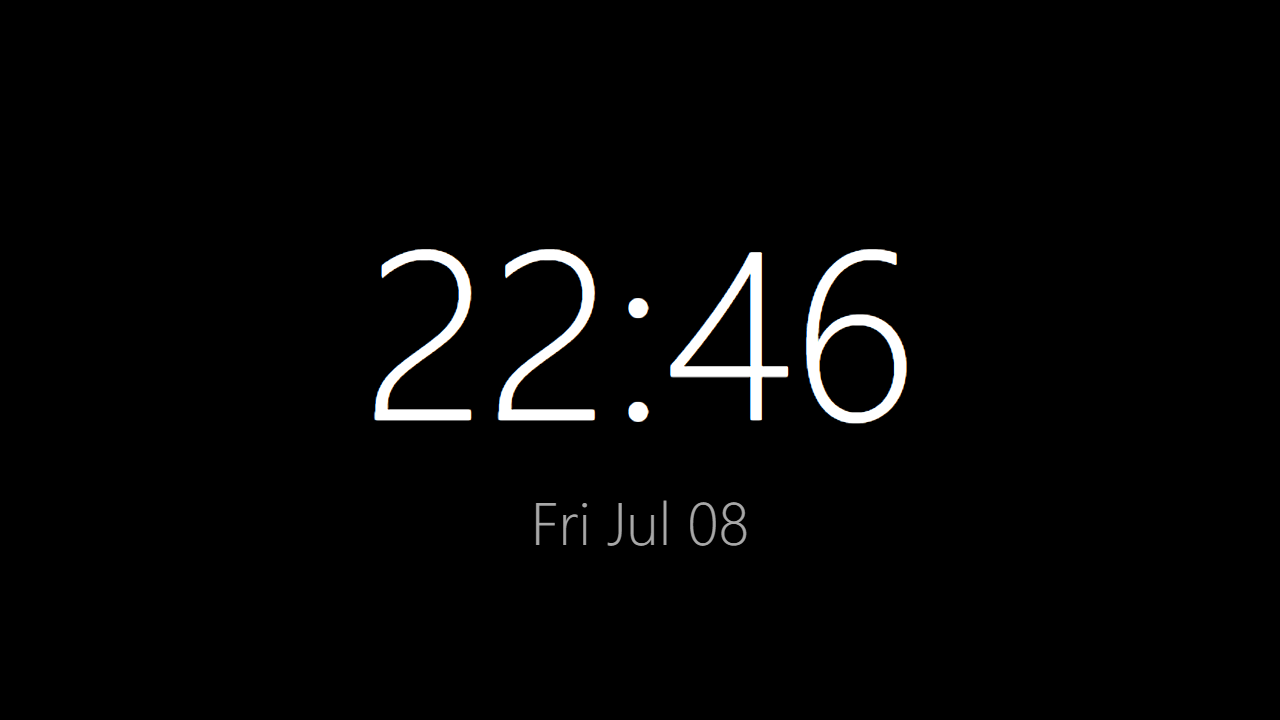
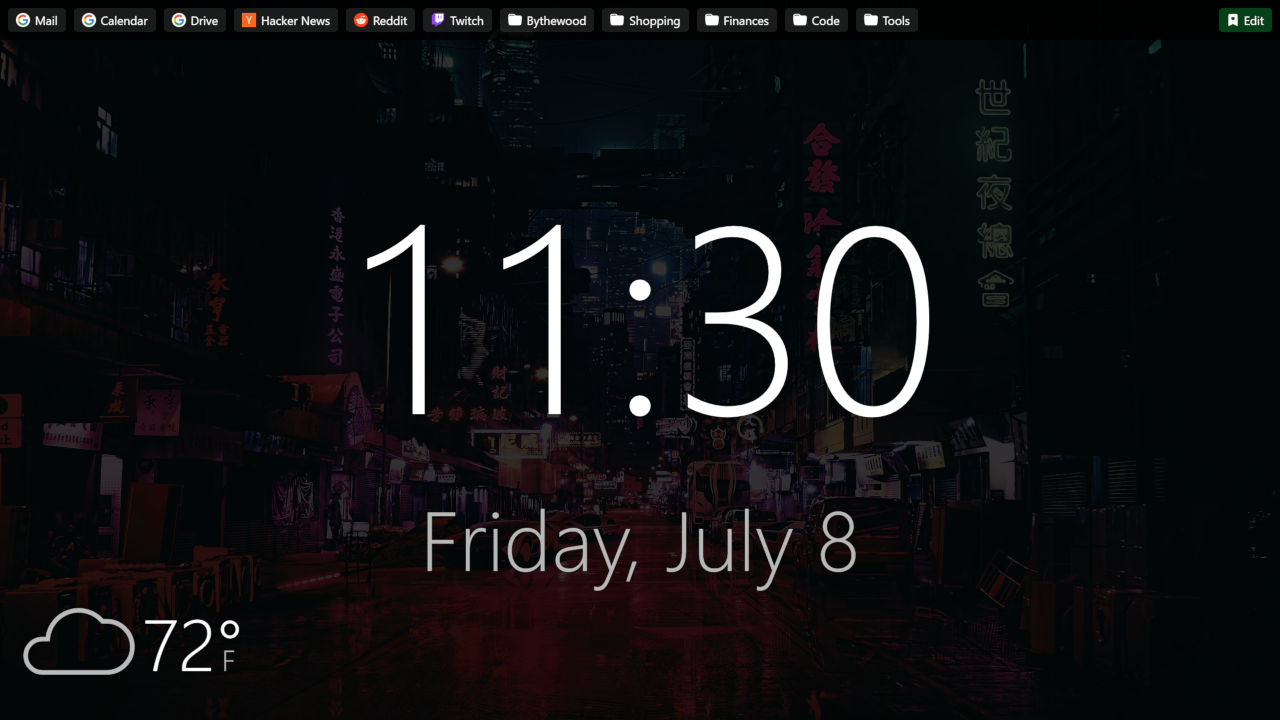
You now have a working New Tab extension with zero trackers and you can customize it with whatever you want! In the cover photo of this post you can see my New Tab extension which you can find the source code for on GitHub.
I've added a few extras to mine like:
- Bookmarks bar + bookmark edit button
- Weather icon + temperature
- Full weekday and month names
- A 12 hour clock instead of 24 hour
- Custom image background
All of which you can copy and paste out of my source code and use on your own New Tab extension if you like.
For more information on developing Chrome extensions I've found Google's official documentation to be very helpful.
I hope to have helped you along your way to creating more custom browser extensions. It's not as hard as I originally thought and I've found I can accomplish quite a bit with just a few lines of code. I'm probably going to try making some other browser extensions in the near future.